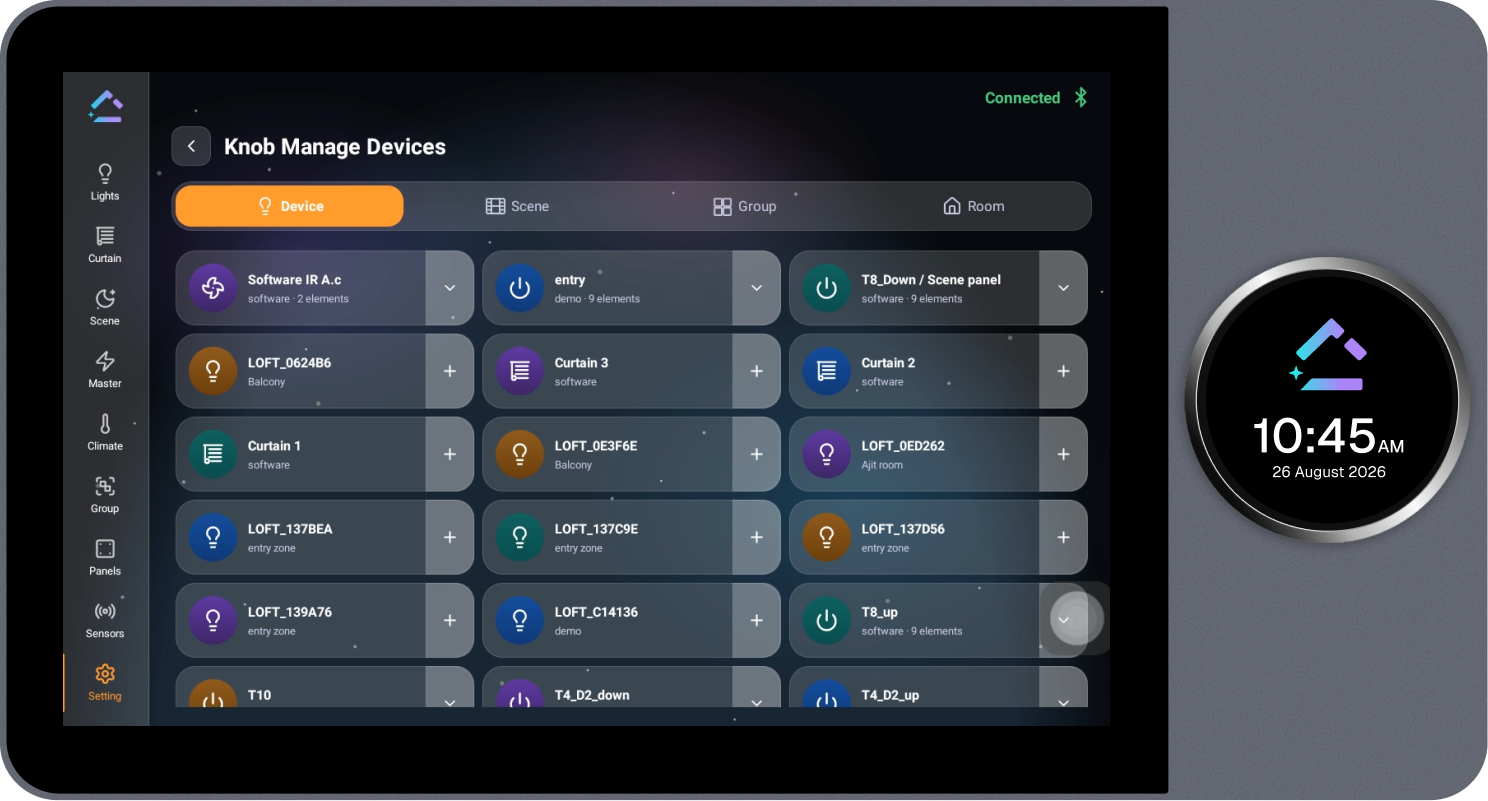
Manage Devices for Knob
Allows devices, scenes, groups, or rooms to be assigned to the knob for quick physical control.
Steps
- Select Manage Devices on the Knob Setting page.
- Select the required tab: Device, Scene, Group, or Room.
- Select the + icon on the required item to add it to the knob.